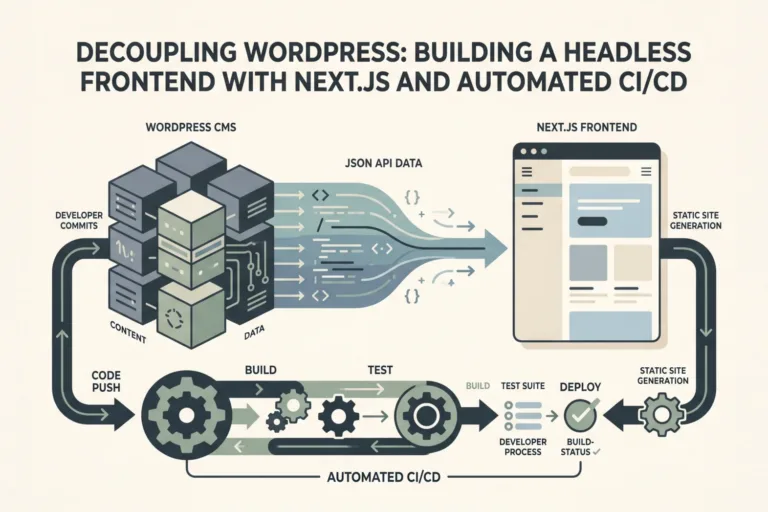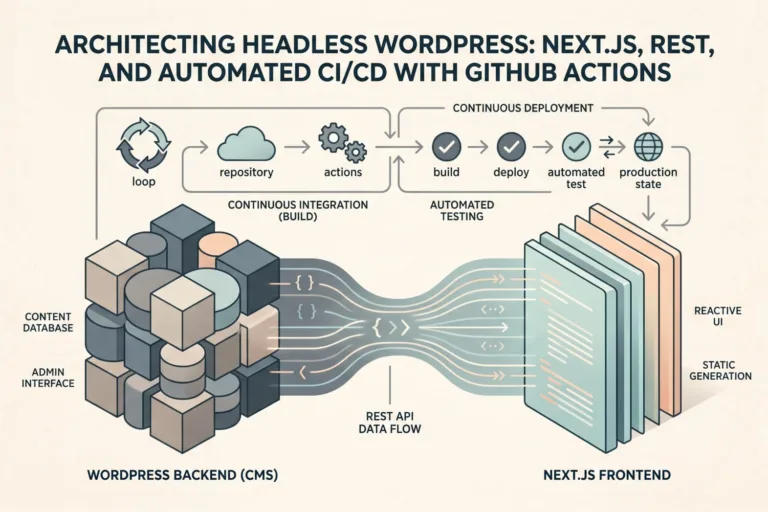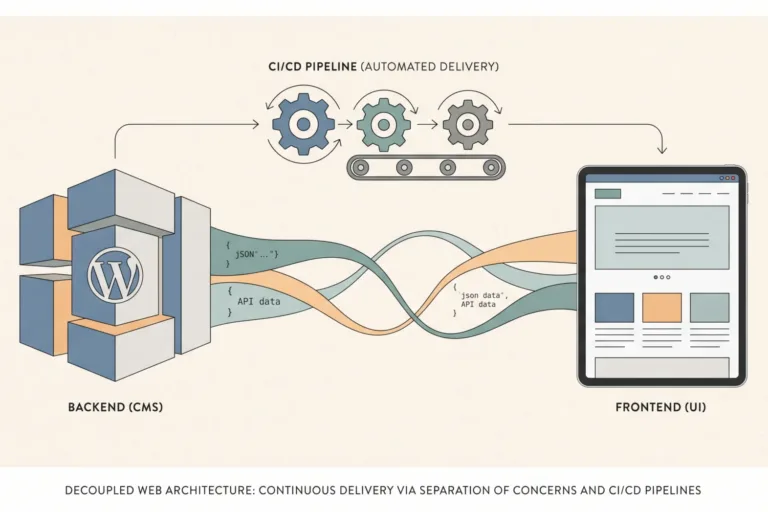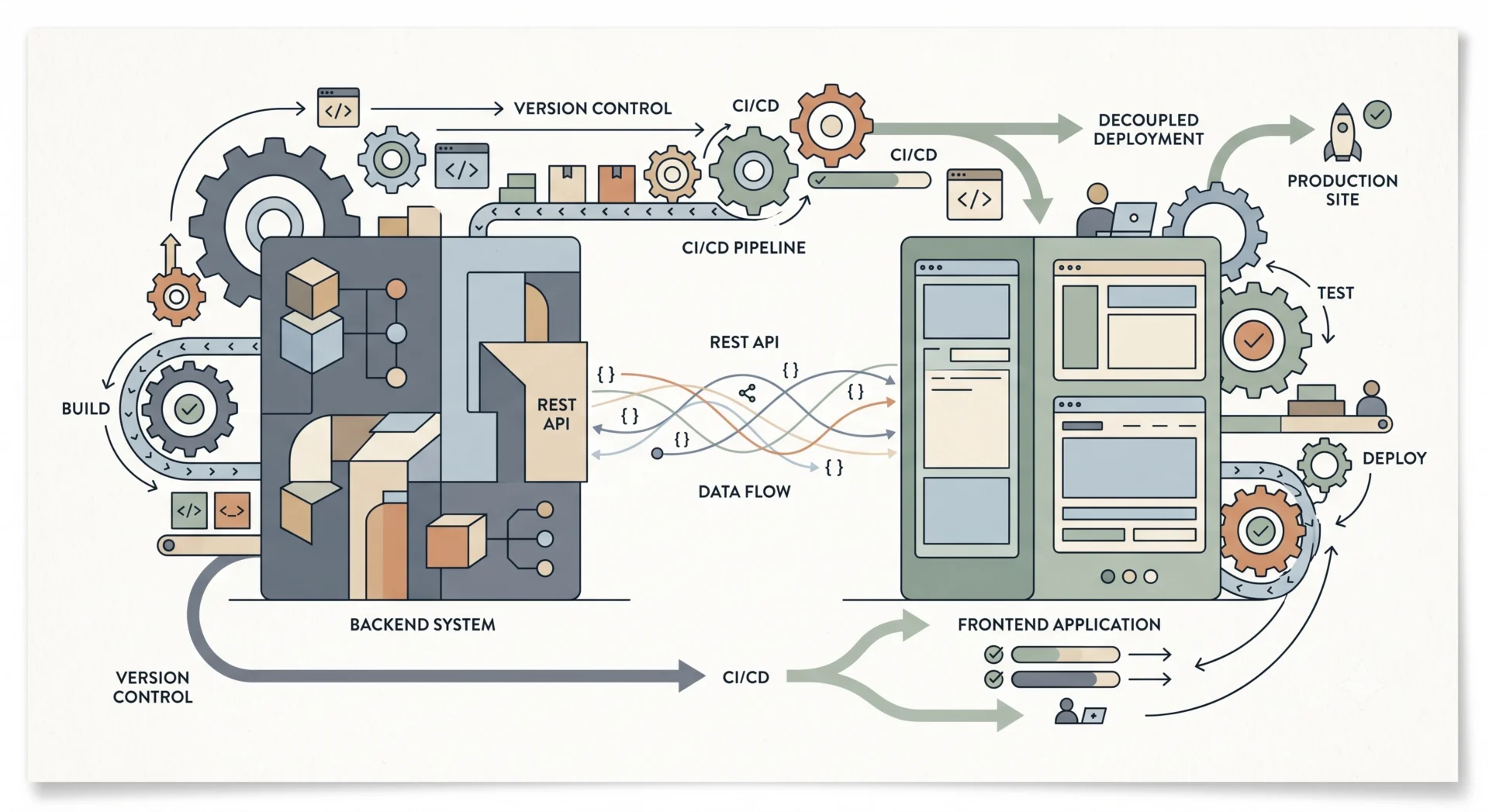
I’ve spent years pushing the boundaries of WordPress, and one of the most transformative shifts in recent memory has been the move towards headless architectures. For me, it’s not just a buzzword; it’s a strategic choice that decouples the content management from the presentation layer, opening up a universe of possibilities for performance, scalability, and developer experience. This approach allows us to leverage WordPress purely as a robust backend for content creation, while a modern JavaScript framework handles the user interface, communicating solely through its powerful REST API.
The core of any headless WordPress setup is the REST API. WordPress 4.7 and later ships with it enabled, providing endpoints for posts, pages, categories, and more, all accessible via standard HTTP requests. For projects requiring custom data structures, extending the API is straightforward using register_rest_field or register_rest_route. For instance, to expose a custom post type called ‘product’ with specific metadata, I might register a new route and schema. Here’s a quick look at a simplified custom endpoint registration:
add_action( 'rest_api_init', function () {
    register_rest_route( 'myplugin/v1', '/products', array(
        'methods' => 'GET',
        'callback' => 'get_my_products',
        'permission_callback' => '__return_true'
    ));
});

function get_my_products( WP_REST_Request $request ) {
    $products = get_posts( array( 'post_type' => 'product', 'posts_per_page' => -1 ) );
    return new WP_REST_Response( $products, 200 );
}
On the frontend, consuming this data is a simple fetch operation:
fetch('https://yourdomain.com/wp-json/myplugin/v1/products')
  .then(response => response.json())
  .then(data => console.log(data))
  .catch(error => console.error('Error:', error));
This architectural separation naturally extends to our deployment strategy, advocating for distinct CI/CD pipelines. My preferred setup involves GitHub Actions, orchestrating automated builds and deployments for both the decoupled frontend application and the WordPress core itself. This ensures that changes to content don’t necessitate a frontend redeploy, and frontend updates are pushed without touching the WordPress installation directly, reducing potential downtime and simplifying rollbacks.
For the frontend, let’s say a Next.js application, a typical GitHub Actions workflow might look something like this. This snippet triggers on pushes to the main branch, builds the Next.js app, and then deploys it to a service like Vercel or Netlify. The VERCEL_TOKEN, VERCEL_ORG_ID, and VERCEL_PROJECT_ID would be stored as GitHub Secrets for security.
name: Deploy Frontend
on:
  push:
    branches:
      - main
jobs:
  build-and-deploy:
    runs-on: ubuntu-latest
    steps:
      - name: Checkout code
        uses: actions/checkout@v3
      - name: Setup Node.js
        uses: actions/setup-node@v3
        with:
          node-version: '18'
      - name: Install dependencies
        run: npm ci
      - name: Build project
        run: npm run build
      - name: Deploy to Vercel
        uses: amondnet/vercel-action@v25
        with:
          vercel-token: ${{ secrets.VERCEL_TOKEN }}
          vercel-org-id: ${{ secrets.VERCEL_ORG_ID }}
          vercel-project-id: ${{ secrets.VERCEL_PROJECT_ID }}
          github-token: ${{ secrets.GITHUB_TOKEN }}
          vercel-args: '--prod'
This workflow ensures that every approved change to the frontend codebase is automatically built and deployed, delivering updates rapidly to users.
The WordPress backend deployment pipeline is often simpler in terms of its build step, primarily focusing on syncing theme files, custom plugins, and mu-plugins. I typically exclude wp-config.php and the wp-content/uploads directory from version control and deployments, managing them separately. The workflow below demonstrates a basic rsync deployment over SSH for a theme and a custom plugin. Remember, this assumes a host where you have SSH access and your known_hosts are managed.
name: Deploy WordPress Backend
on:
  push:
    branches:
      - main
    paths:
      - 'wp-content/themes/mytheme/**'
      - 'wp-content/plugins/myplugin/**'
jobs:
  deploy:
    runs-on: ubuntu-latest
    steps:
      - name: Checkout code
        uses: actions/checkout@v3
      - name: Deploy theme and plugins via rsync
        uses: burnett01/[email protected]
        with:
          ssh_private_key: ${{ secrets.SSH_PRIVATE_KEY }}
          remote_host: ${{ secrets.SSH_HOST }}
          remote_user: ${{ secrets.SSH_USER }}
          source: ./wp-content/themes/mytheme/ ./wp-content/plugins/myplugin/
          target: /var/www/html/wp-content/ # Adjust to your server path
I’d typically configure separate workflows or conditional logic for plugins versus themes. For database schema changes or WordPress core updates, I handle those cautiously and often manually or with platform-specific tools, as database migrations are a separate beast entirely in any CI/CD strategy.
Adopting a headless WordPress architecture paired with a robust CI/CD pipeline built on GitHub Actions fundamentally changes how I approach complex web projects. It provides unparalleled flexibility, allowing me to choose the best tools for each layer of the application, enhance security by separating concerns, and dramatically accelerate deployment cycles. For anyone looking to push WordPress beyond its traditional boundaries, this is undoubtedly the path forward.